The design tool for creating premium product visuals

Turn app, website and SaaS screens into polished images and motion for launches, marketing, websites and portfolios.

Video made entirely in Ultramock

Loved by designers from

From screen to
finished visual

Think of it as product photography for software: a focused path from raw screen to presentation-ready content.

[01]

Capture or import

Bring in a screenshot or recording, paste media directly, or capture a browser tab with the Ultramock Chrome extension.

[02]

Compose the scene

Choose a pre-made template or set up your own scene. Tweak the camera, background, lighting, depth and motion.

[03]

Export the finished visual

Export high-resolution images and videos ready for your launch post, website, presentation or portfolio.

Create stunning photo realistic mockups

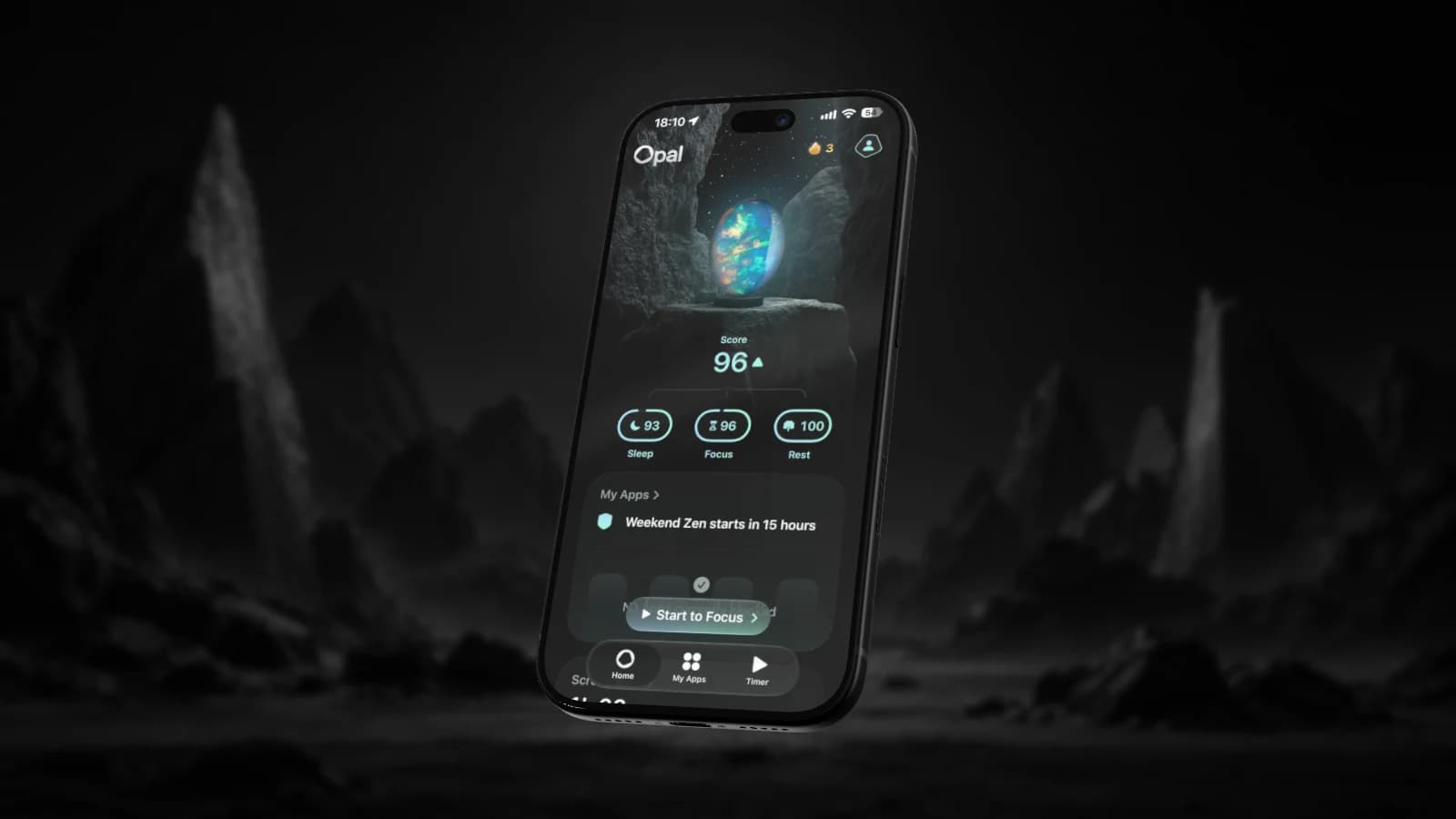
Real 3D devices, real lighting and real depth of field, rendered in your browser. Move your pointer or drag the scene to find your angle: this is a real scene, made in Ultramock.

An iPhone displaying Opal, lit against a dark rocky landscape
Scene pairing
Phone color

Everything you need to showcase your work

Detailed 3D devices, effects, purposeful motion and MCP control, all in a workflow built around presenting digital products.

claudeultramock mcp
  • ›Tilt the iPhone on a nice angle
    update_mockuptilt_y −24°
  • ›Zoom in and focus on the bottom area
    set_focus_areas0,0.62 → 1,1
  • ›Now focus on the top area
    set_focus_areas0,0 → 1,0.38
  • ›Reset iPhone pose
    update_mockuptilt_y 0° · zoom 1

Connect Ultramock to your AI tools

BETA

Connect your AI tool of choice and edit using our MCP tools.
Present your work on detailed 3D devices

Showcase your work in context, in beautiful high quality models.

Control focus and depth of field

Direct attention with adjustable focus, falloff and bokeh.

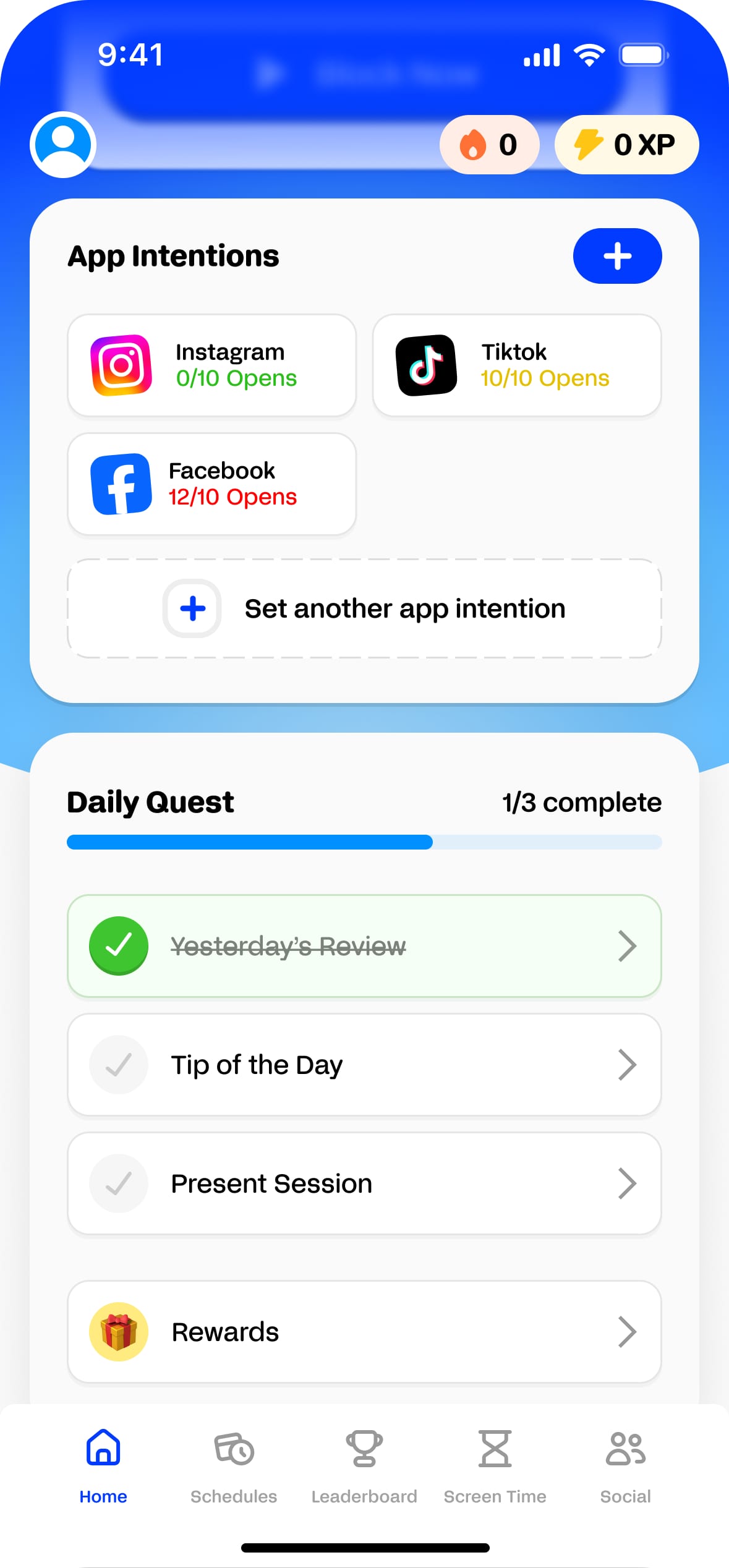
A habit-tracking app screen: app intention limits, a daily quest checklist and a tab bar
1
2
3
Capturing focus area 1Capturing focus area 2Capturing focus area 3Composing motionPlaying motion

Compose camera motion with ease

Draw focus areas to generate a camera motion.

Transparent exports

Export transparent images and motion on Pro. Browser support varies.

High-resolution exports

Export Pro images up to a 5120 px edge and video up to a 3840 px edge.

Templates

Start from a template, or save your own reusable setup on Pro.

Visual effects

Tune colour, bloom, grain, sharpen and more to suit the product.

Made in Ultramock

Every clip below was created in Ultramock, then exported straight from the browser.

StoreKit
Ultramock has massively helped with the speed and quality of our feature releases. Before Ultramock, we could only produce high quality visuals for the most important features. Now, we can produce beautiful product visuals in a fraction of the time.
Harry Soar, Head of Marketing

Built for the moments your product needs to be seen

From a portfolio case study to a feature launch, Ultramock helps the quality of the work come through clearly.

[01]

Showcase an app or website

Turn key screens into polished images and motion that help people understand the product.

[02]

Present a portfolio case study

Give interface work a considered setting without letting the presentation overpower it.

[03]

Launch a product or feature

Create focused visuals for announcements, landing pages and social content.

Ultramock is simply the best way to showcase your product. It gives us a clean, professional finish without needing a motion designer or After Effects.
Fred, Creative Director

Loved by people
who ship

Rob
Rob
@robsicat
@ultramock is a cheat code for making your product look 10x better
Aug 5 · 2026
Delfina
Delfina
@pixelsbyDelfina
amazing product and beautiful ui design! can't believe I just found this tool
Aug 17 · 2026
andrew🌱
andrew🌱
@0x__andrew
Someone finally solved the "how do we make marketing collateral for dashboards look sexy" problem. Would have killed to have this a few years ago. Nice work @ultramock 👏🏼
May 1 · 2026
Allan
Allan
@Allan
Damn. Purchased.
Aug 15 · 2026
Evil Rabbit
Evil Rabbit
@evilrabbit_
🔥
Apr 30 · 2026

Free to start.
Pro when you’re ready

6 months free · 50% savings
Free
$0forever
Open editor
  • Core creative editor
  • 720p 30fps video export
  • Basic 3D models
  • Limited captures
  • Watermarked exports
  • No transparent exports
ProYearly
$10/mo

$120 billed yearly · save 50%

Get Pro for $120/year
Everything in free, plus
  • Unlimited captures
  • No watermark
  • Transparent background
  • 4K, 60FPS exports
  • Premium 3D models
  • Custom 3D scenes
  • Full asset library
  • Create and save projects
  • AI connection / MCP controlBETA

Prices are in USD. Taxes may apply.

Questions,
answered

What is Ultramock?

Ultramock is a browser-based creative studio for turning app, website and SaaS screens into polished images and motion. Compose your work with detailed 3D devices, camera control, depth of field, lighting and effects, then export it without installing a separate app.

Is Ultramock easy to use?

The workflow is focused: add your content, choose a starting point, shape the camera and export. Every control updates the preview as you work, so you can make visual decisions in context.

Are there templates?

Yes. Ultramock includes starter templates you can load and adapt. Pro also lets you save your own reusable templates. Some starter templates use Pro assets and require Pro.

Can I export videos?

Yes. Free includes watermarked 1280 × 720 landscape video at up to 30fps within the shared export allowance. Pro adds higher resolutions, square and portrait output, up to 60fps, motion blur, watermark-free output and transparent-video options.

What do I get on the free plan?

Free includes the core creative editor, basic 3D models, camera, depth-of-field, motion and effects controls, plus watermarked image and 720p 30fps landscape video exports. Three image or video exports are shared per rolling 24 hours.

How much does Ultramock cost?

Pro is $20/mo billed monthly, or $120/yr billed annually, a saving of 50%, effectively 6 months free. A Free plan is available without a subscription. Full detail on the pricing page.

Do I need to pay to try it?

No account or payment is required to start creating. Free includes the core editor, basic 3D models and three watermarked image or video exports per rolling 24 hours. Upgrade for premium assets, cloud projects, higher-resolution and transparent output, and MCP control.

Is there a watermark on the free plan?

Free image and video exports carry an Ultramock watermark. Pro removes it and adds higher-resolution, transparent image and transparent-video options.

Do I need to install anything?

No. Ultramock runs entirely in the browser on WebGL. There is no app to download, no plugin and no account required to start. Open it and you are in the editor.

How can I ask a question or get help?

Email support@ultramock.io or message @ultramock on X and we will get back to you. If you are signed in, the contact form in the app reaches us too. If you want to follow what is shipping, the changelog is updated with every release.

Give your work the presentation it deserves

Bring your screens into Ultramock, shape the composition and export a product visual ready to use.

Never miss an update

Get new features, release notes, and the occasional behind-the-scenes from Ultramock, straight to your inbox.

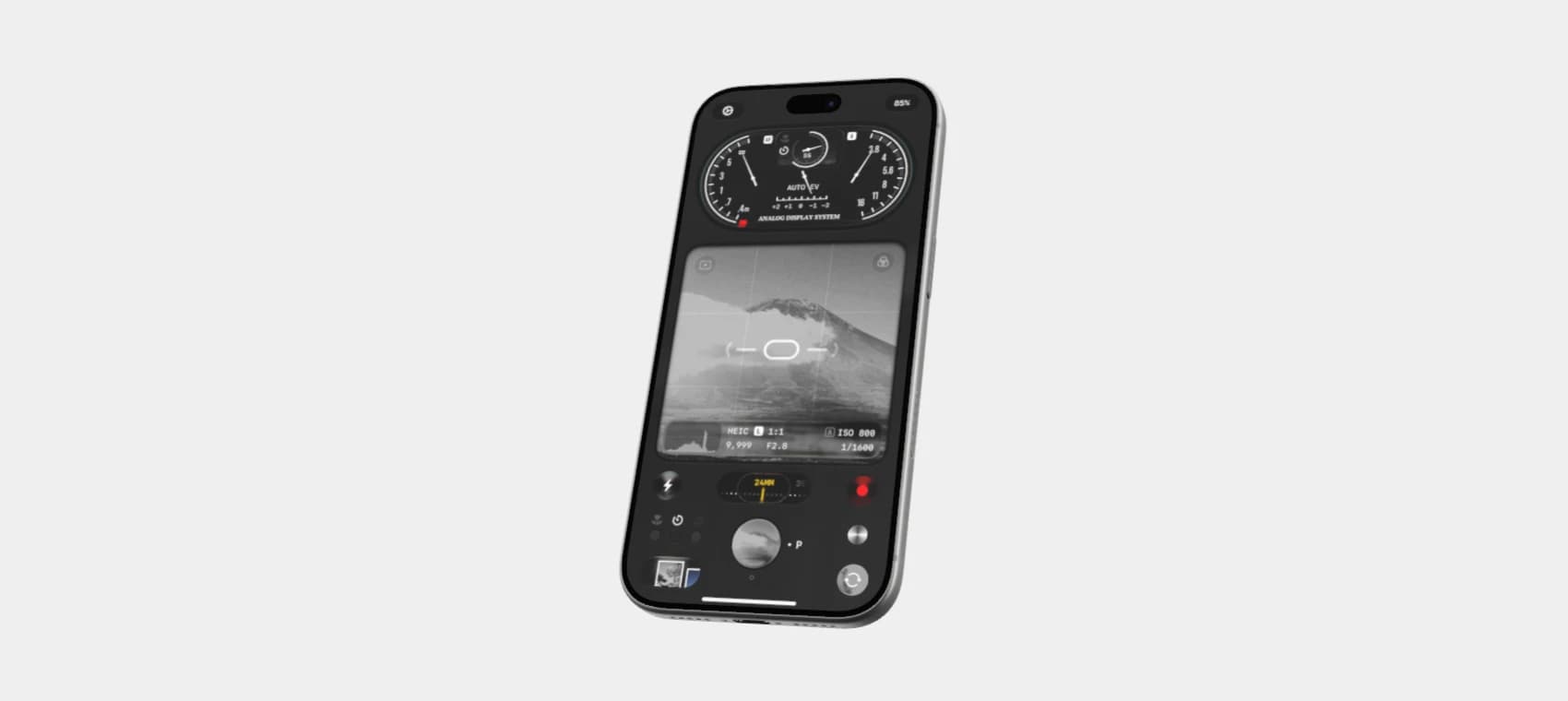
A silver iPhone showing an app screen on a plain background